Connect Demandbase with Userled to uncover accounts visiting your website and leverage intent signals for personalised website experiences. This integration allows you to sync firmographic data and intent information from Demandbase to power your Userled website experiences.
Overview of Benefits
Account Identification: Identify website visitors using Demandbase’s IP reveal technology.
Account Enrichment: Automatically enrich accounts in Userled with Demandbase firmographic data.
Website Personalisation: Leverage Demandbase firmographic data to personalise personalise your website key accounts.
Seamless Data Sync: Keep your account data synchronised between Demandbase and Userled
To set up the Demandbase integration, you'll need:
An active Demandbase account with API access
Access to Demandbase’s Personalisation license
Admin access to your Demandbase account
Admin access to your Userled account
Note: without a Demandbase Personalisation License, Userled will not show in Step 6 when searching for Userled as a server side account connector. To get access to a Demandbase Personalisation License speak to your Demandbase account representative.
Step 1: Generate an API Token in Demandbase
Log in to your Demandbase account at https://web.demandbase.com/
Navigate to Settings from the main menu
Select Demandbase-wide settings
Click on Account Connector
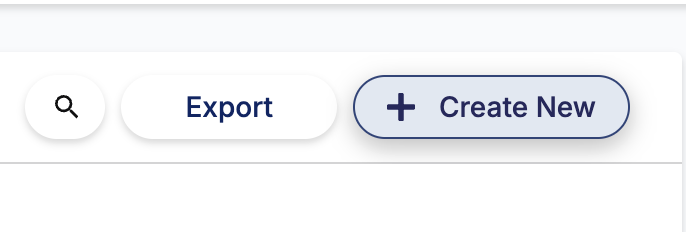
Click the + Create New button
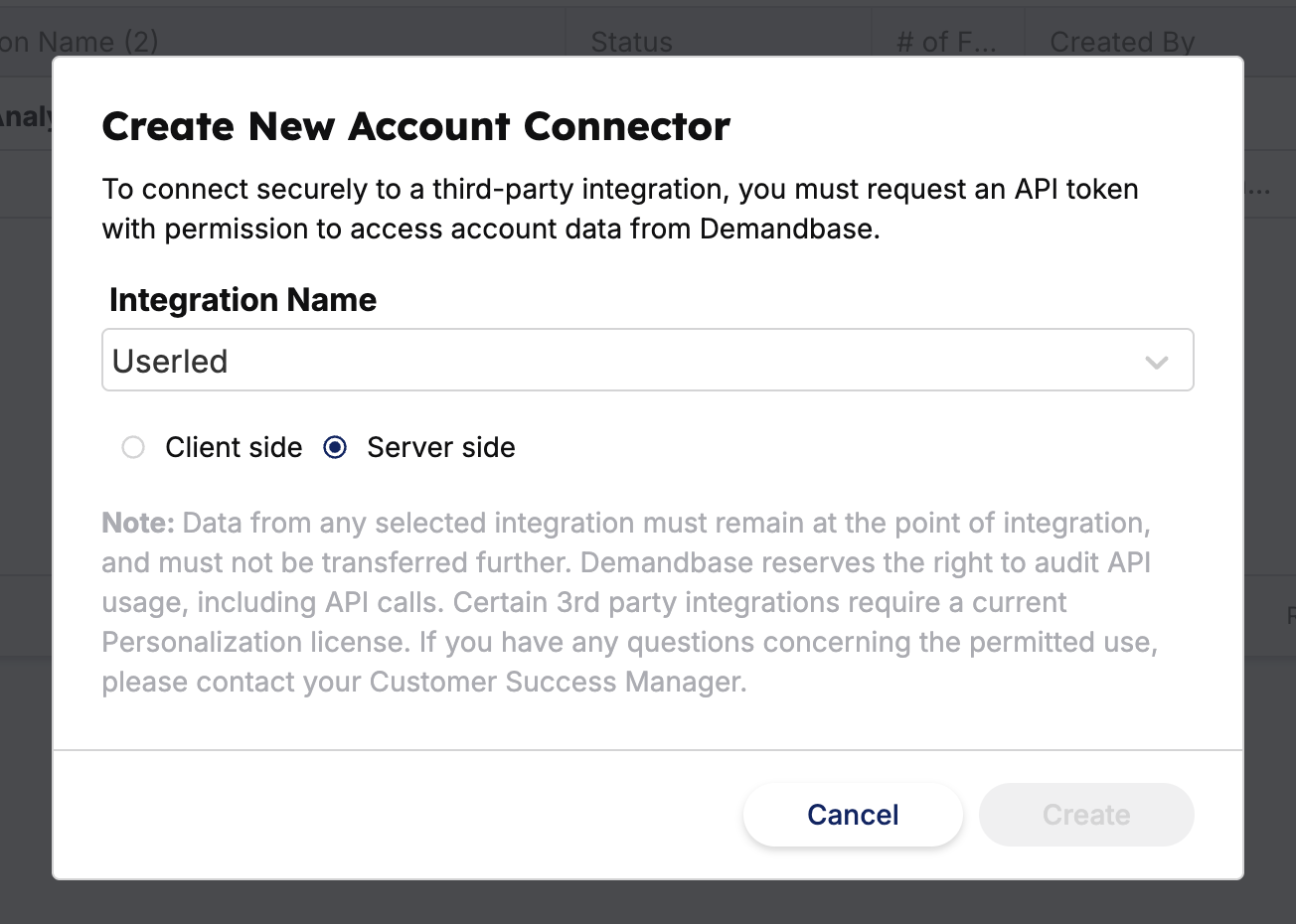
In the "Create New Account Connector" modal:
Select Server side as your connection type
Choose Userled from the Integration Name dropdown
Click Create
Generate your API token and copy it to your clipboard
Step 2: Connect Demandbase in Userled
Navigate to the Userled integrations dashboard
Locate and click on the Demandbase integration card
Paste your API token from Demandbase into the token field
Click Save to activate the integration
Once connected, Userled will sync the following data from Demandbase:
Website visitor identification data
Company firmographic data (industry, employee count, revenue)
Coming soon: Account engagement scores
Coming soon: Intent signals and topics
Coming soon: Account segments and attributes
This data will be available to use when creating inbound segments for website personalisation in Userled.
After the integration is active, you can leverage Demandbase data to:
Create Inbound Segments: Build segments in Userled based on Demandbase firmographic attributes.
Personalise Website Experiences: Use Demandbase firmographic data to dynamically personalise content, messaging, and calls-to-action based on account characteristics.
Prioritise High-Intent Accounts: Create experiences specifically for accounts showing high intent signals in Demandbase.
Integration not syncing data?
Verify that your API token was copied correctly
Ensure your Demandbase account has API access enabled
Check that you selected "Server side" when creating the Account Connector
Can't find Userled in the Integration Name dropdown?
Contact Demandbase support to ensure Userled is enabled for your account
Verify you're using the Account Connector (not a different integration type)
If you have questions or need assistance setting up the Demandbase integration, the Userled team is here for you! You can reach out to your Userled CSM or contact us via the Userled Support Widget while logged into Userled.