
A website experience is a landing page or microsite you build in Userled and personalise for your target accounts. There are three ways to create one: start with AI, build it yourself, or import an existing page.
Generate it with AI
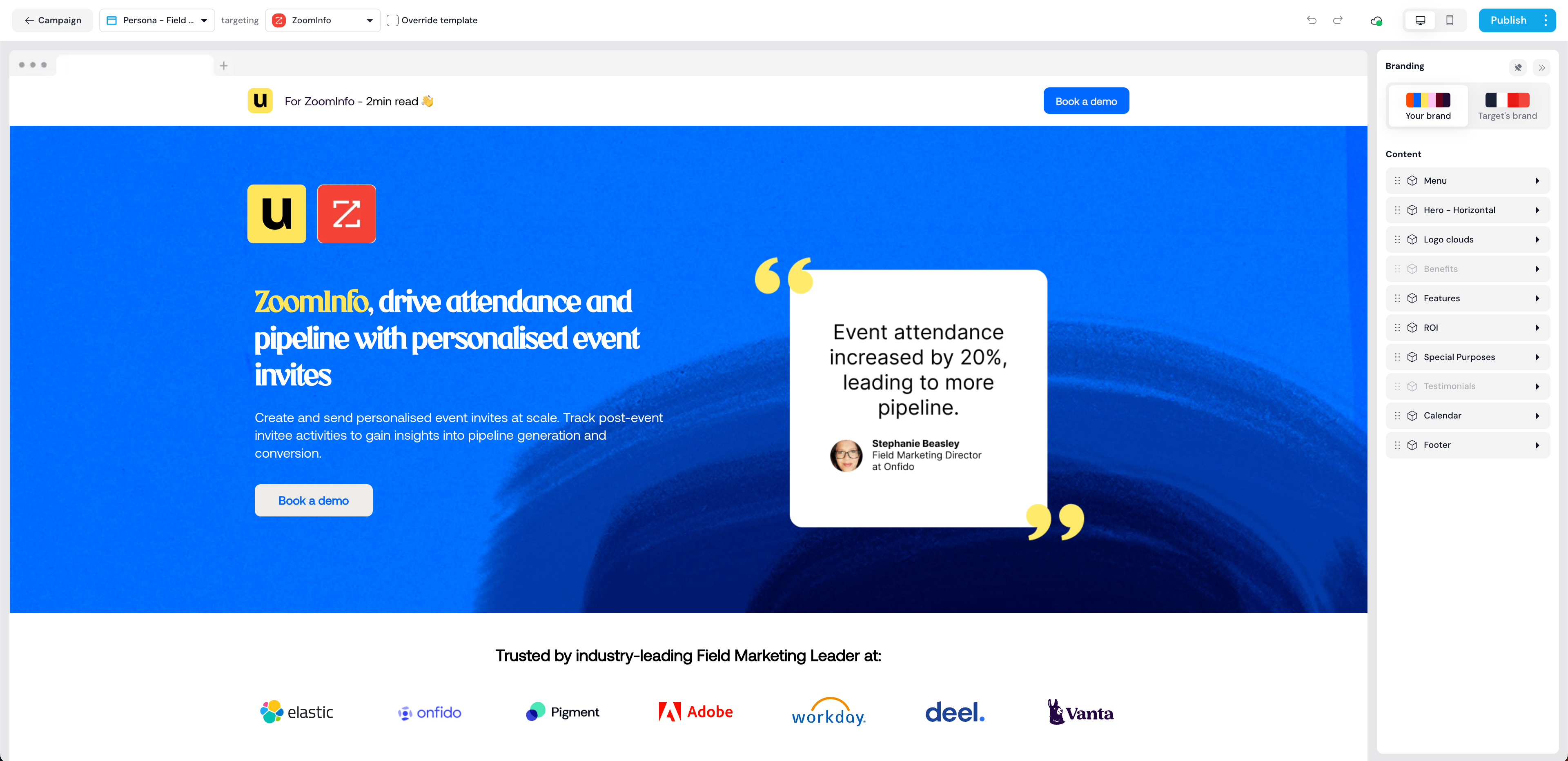
The fastest way to create a page is to start with AI. Describe the page you want and Userled generates a complete, on-brand template in minutes, drawing on your Asset Library and building the page block by block. You can then refine it, including with AI, and save it to reuse across campaigns.
There are two AI starting points:
Pick a blueprint to generate a fresh template from a description.
Use a reference to recreate an existing Figma file or live page as a new template.
Build it yourself
Prefer full control? Start from a blank template and use the no-code editor to drag and drop the elements you want. Add sections, text, images, buttons, and forms, and style everything to your brand.
Import an existing page
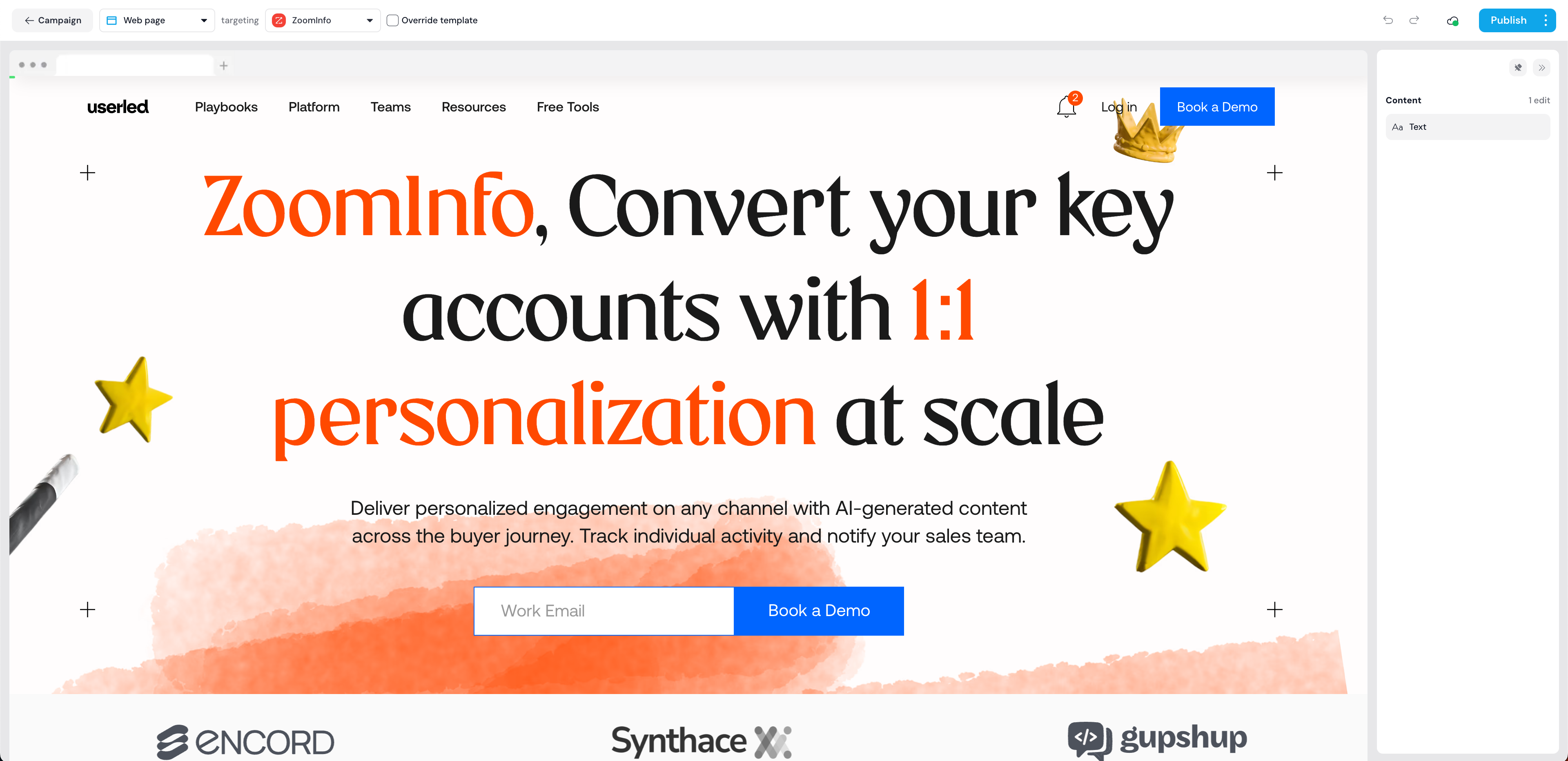
You can also import a webpage from a domain you own into the editor and personalise it from there. This is a fast option when you already have a page that fits your campaign.
Publishing web experiences
Once you have tailored your web experience, you can publish it so it is accessible via a public URL.
If your web experience was created using your own website page, the URL follows the format https://your-domain.com?userled_asset=<asset-id>, for example https://userled.io?userled_asset=Mmwzagvd.
If your web experience was created within Userled, the URL follows the format https://app.userled.io/lp/<asset-id>.
If you wish, you can host the URL under your own domain using a custom domain.
Distributing web experiences
Web experiences are a strong way to show target accounts how your solution meets their needs. The next step is getting them in front of the right people across your channels: web, outbound, and ads.
Userled supports distribution via native integrations and CSV export. For more, see our distribution guides.
If you have any questions, we are here to help. Contact us at any time via [email protected].