A personal access token lets you authenticate requests to the Figma REST API using your own Figma account. This guide walks you through creating one.
You'll need a Figma account you can log into.
Treat your token like a password - anyone with it can access the API as you.
Log into Figma and open the file browser.
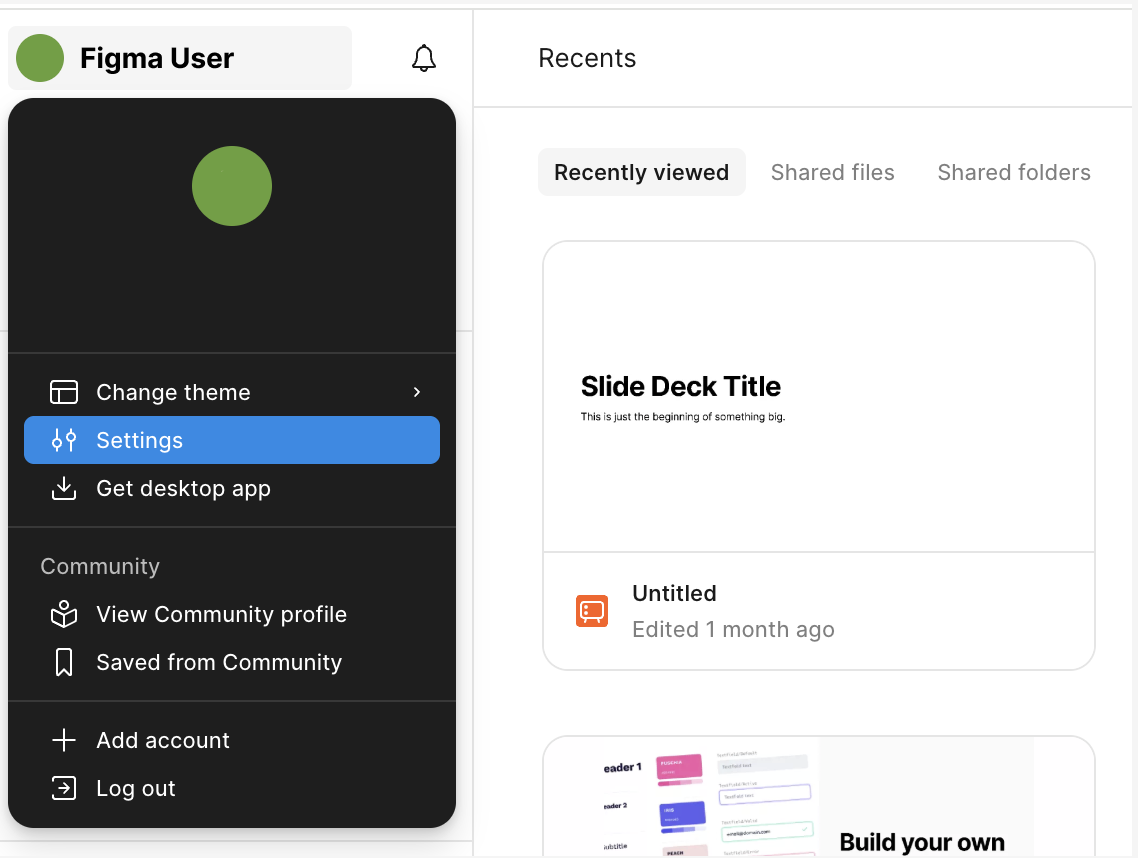
Click the account menu in the top-left corner and select Settings.
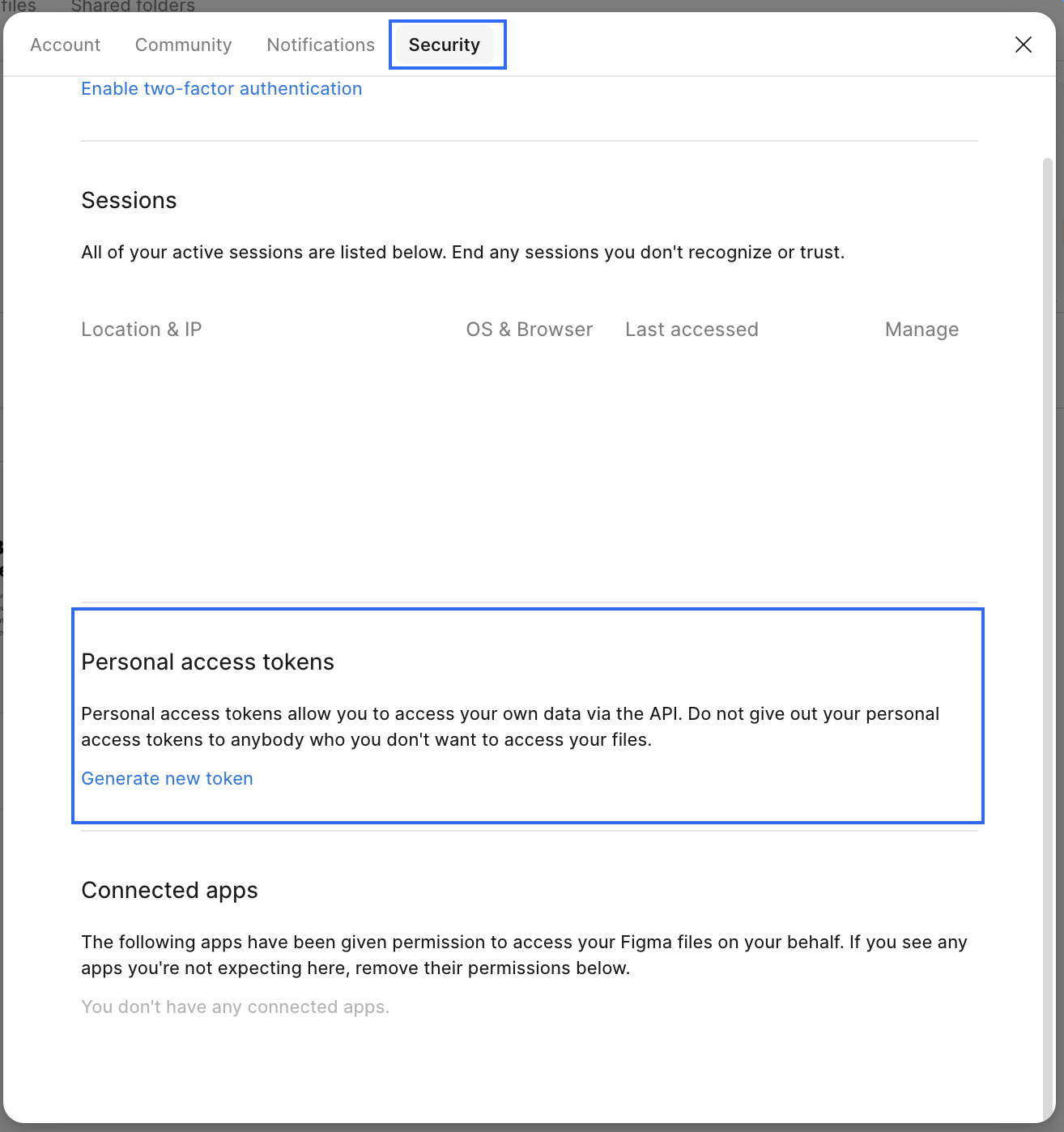
Go to the Security tab.
In the Personal access tokens section, click Generate new token.
In the modal, set an expiration period for the token.
Under scopes, select file_content:read and current_user:read. Scopes control which API endpoints the token can access - make sure both of these are ticked.
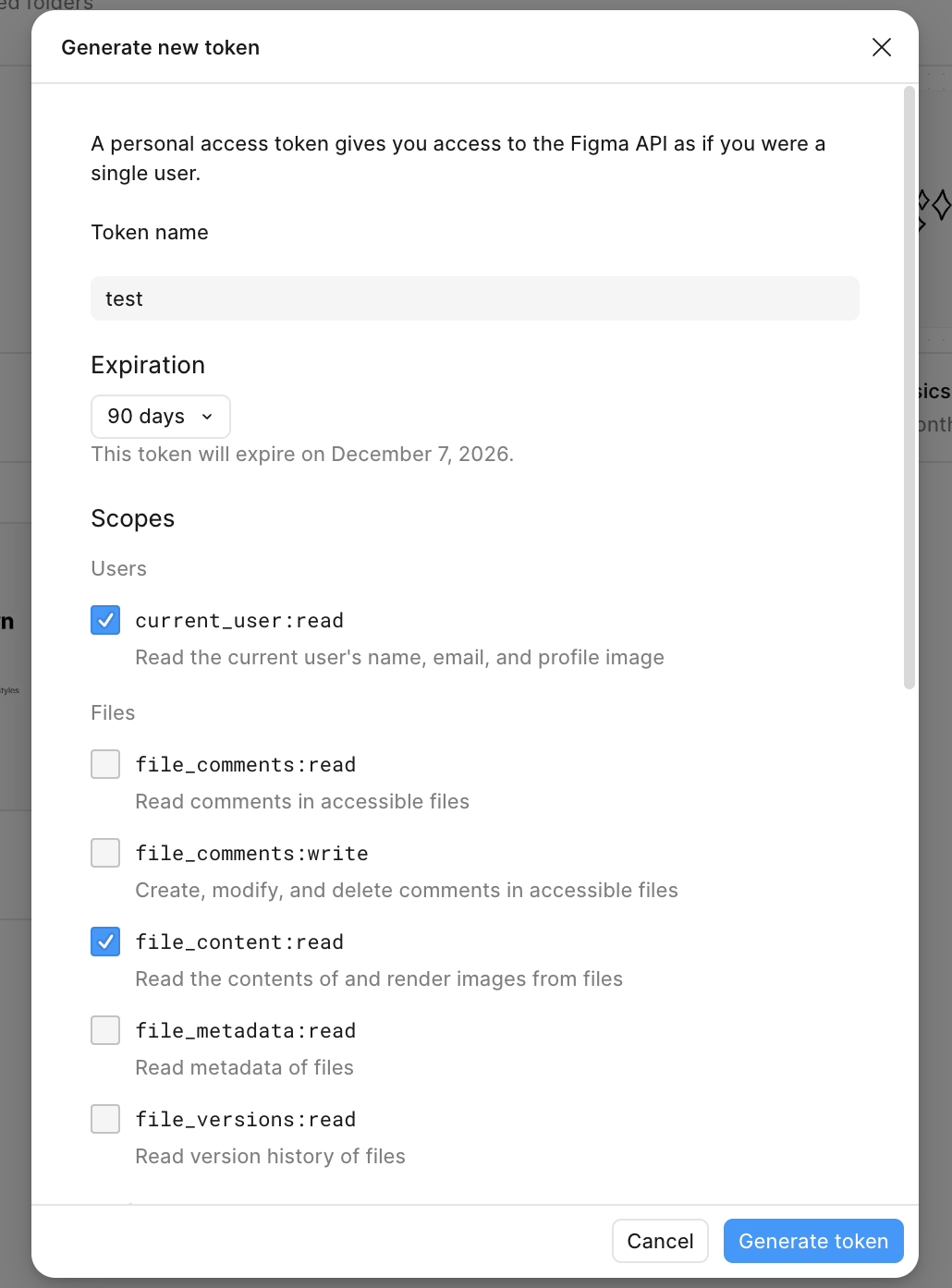
Click Generate token.

If you lose the token, you'll need to generate a new one - the same value can't be shown again.

file_content:read or current_user:read, just generate a new token with both selected. If you forget file_content:read or current_user:read, just generate a new token with both selected.
Back on the Security tab, you can hover over any existing token to see its scopes and when it was last used. You can revoke a token at any time.