The Userled Sales Plugin allows users to create personalized microsites for prospects in seconds; track engagement and turn outreach into conversations that drive meetings.
Useful for:
1:1 LinkedIn outreach
Cold email prospecting
Account-based sales campaigns
Event invites and follow-ups
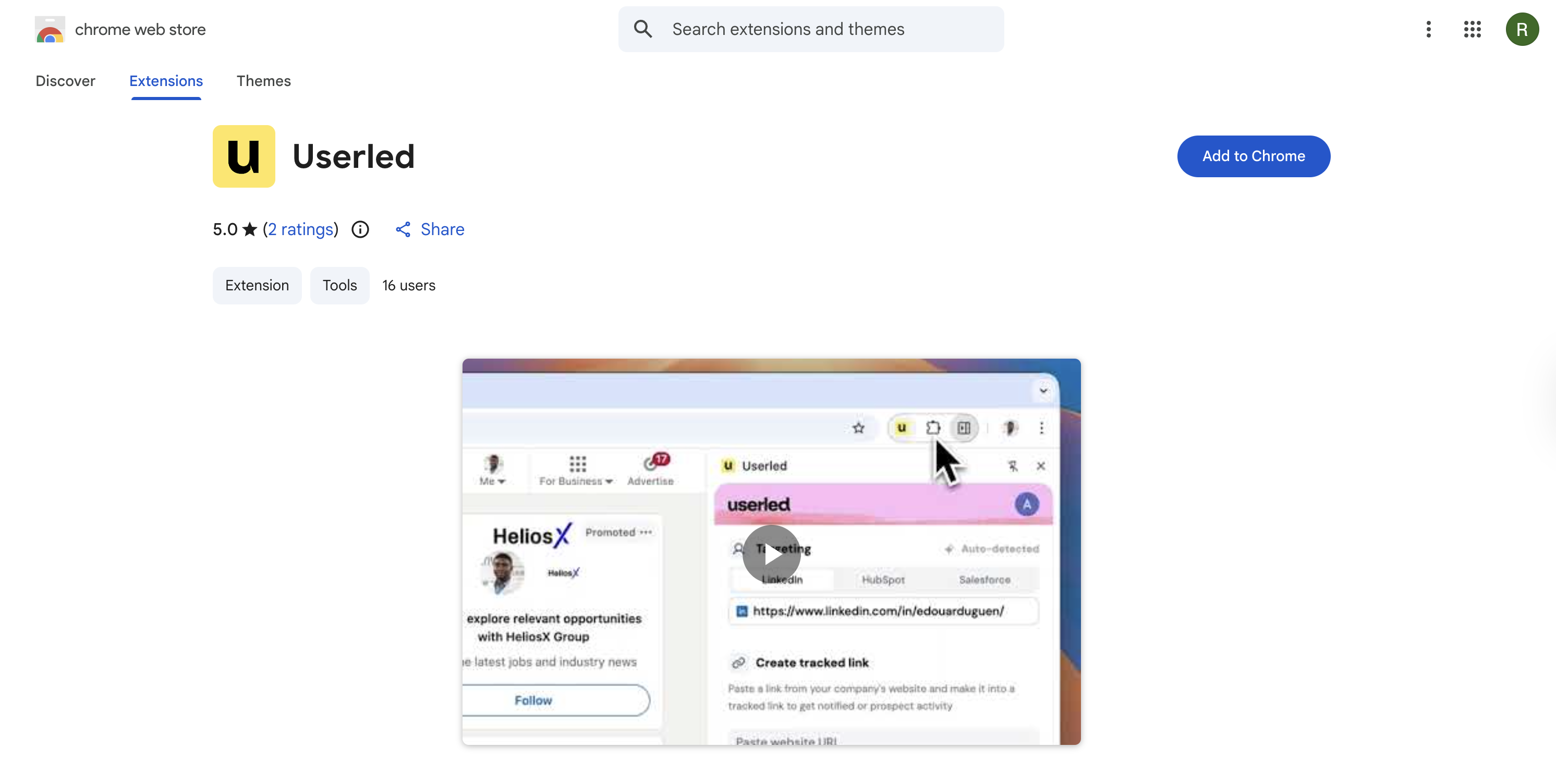
Your Userled Customer Success Manager should have provided this link to the official Chrome Web Store. Then select Add to Chrome.
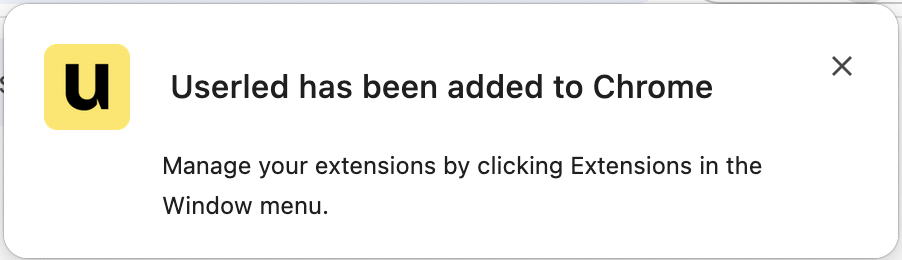
Once selected, and any permissions are accepted, you should see this notification confirming successful installation.
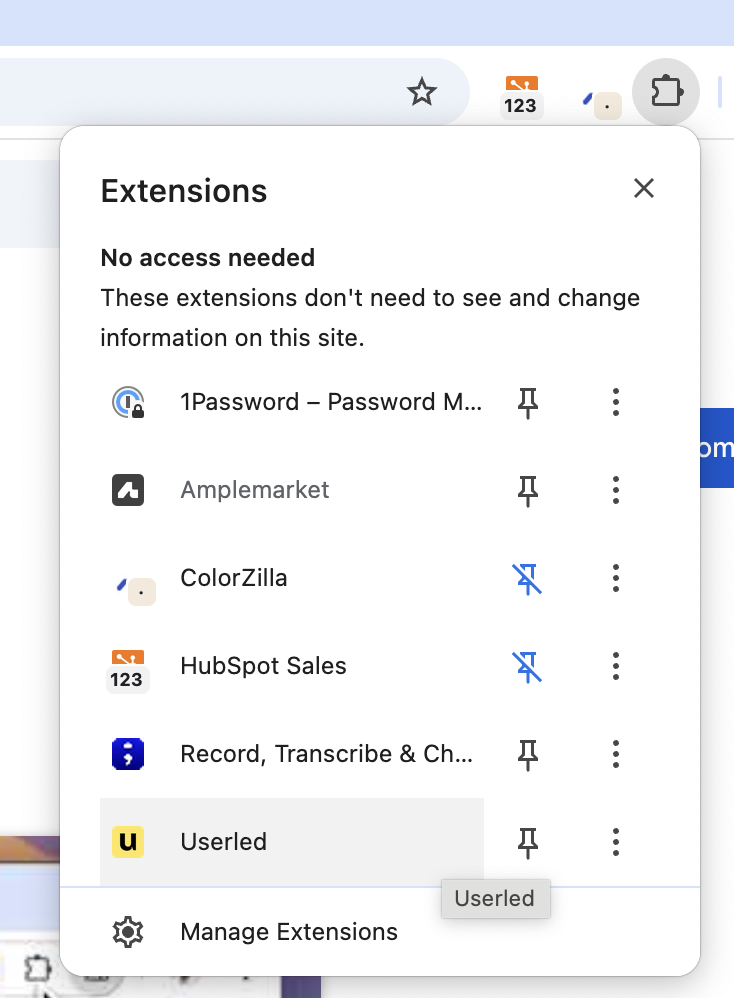
Now that the extension is installed, you’re able to open and pin the Sales Plugin by selecting the Extensions icon:
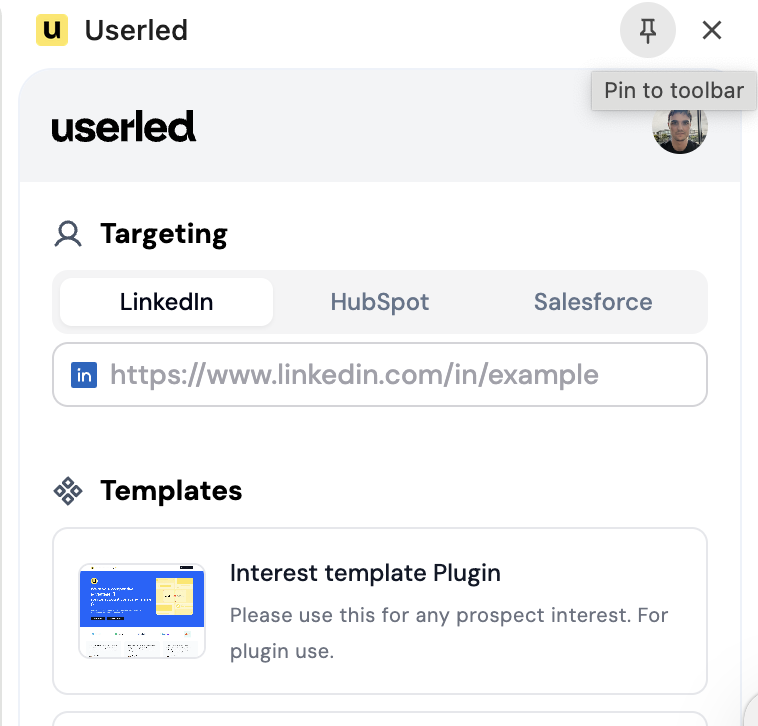
Recommended Action: When the extension is open, click the pin icon to add it to your toolbar. This makes updates and notifications easier to see and increases the Sales Plugin’s usefulness.
LinkedIn Outreach
Sending your first outreach on LinkedIn, using the Sales Plugin to generate an LP automatically.