Enabling this integration will allow you to identify influenced accounts from your LinkedIn data. It couldn't be easier to do, simply follow the steps outlined below to complete the connection.
Before connecting, make sure you have:
LinkedIn Ads account - you must be an Account Manager. Check under Campaign Manager → select your account → Account settings → Manage access.
Company Page - you must hold Super Admin or Content Admin so you can create and manage sponsored content as the page.
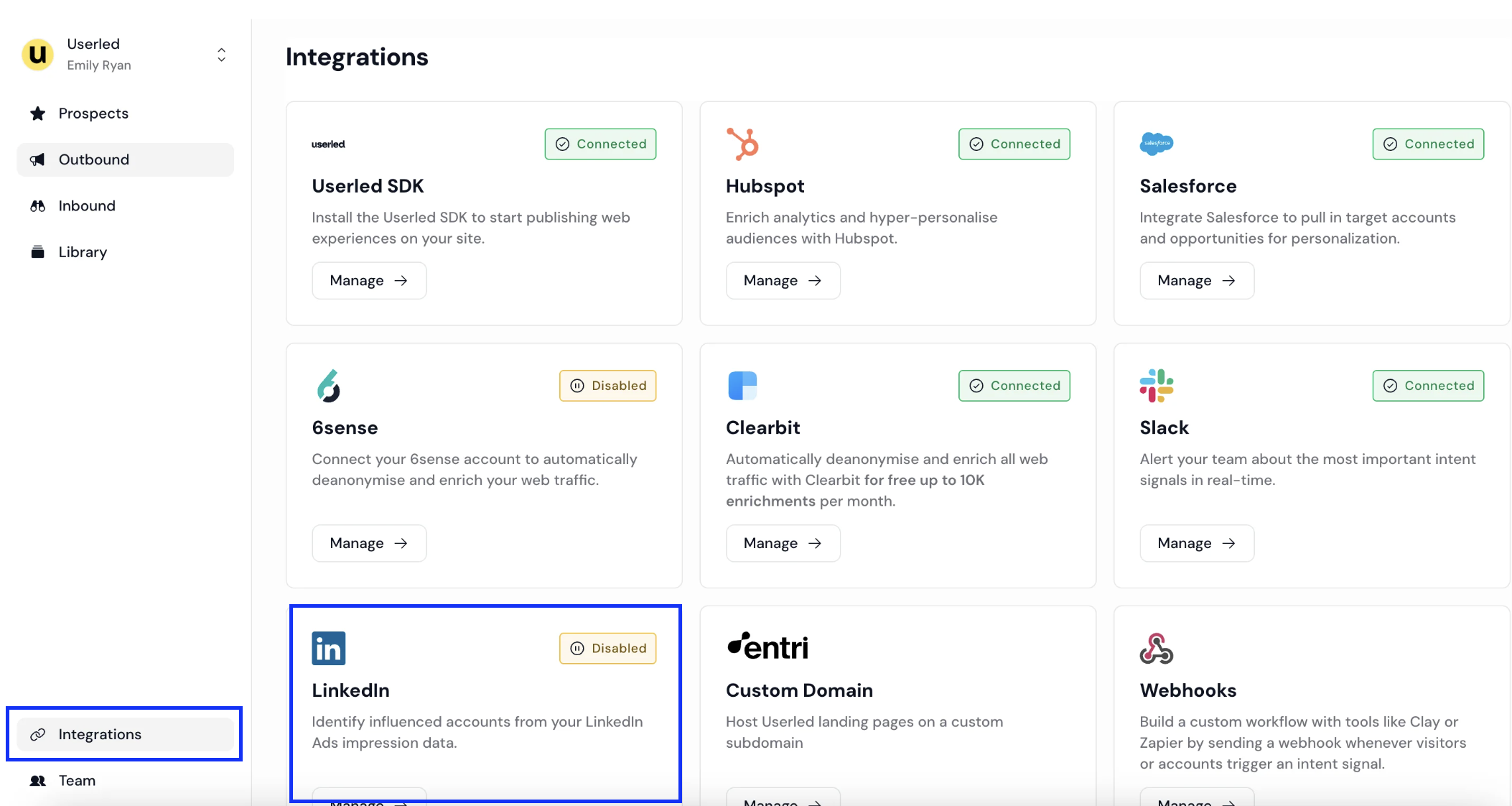
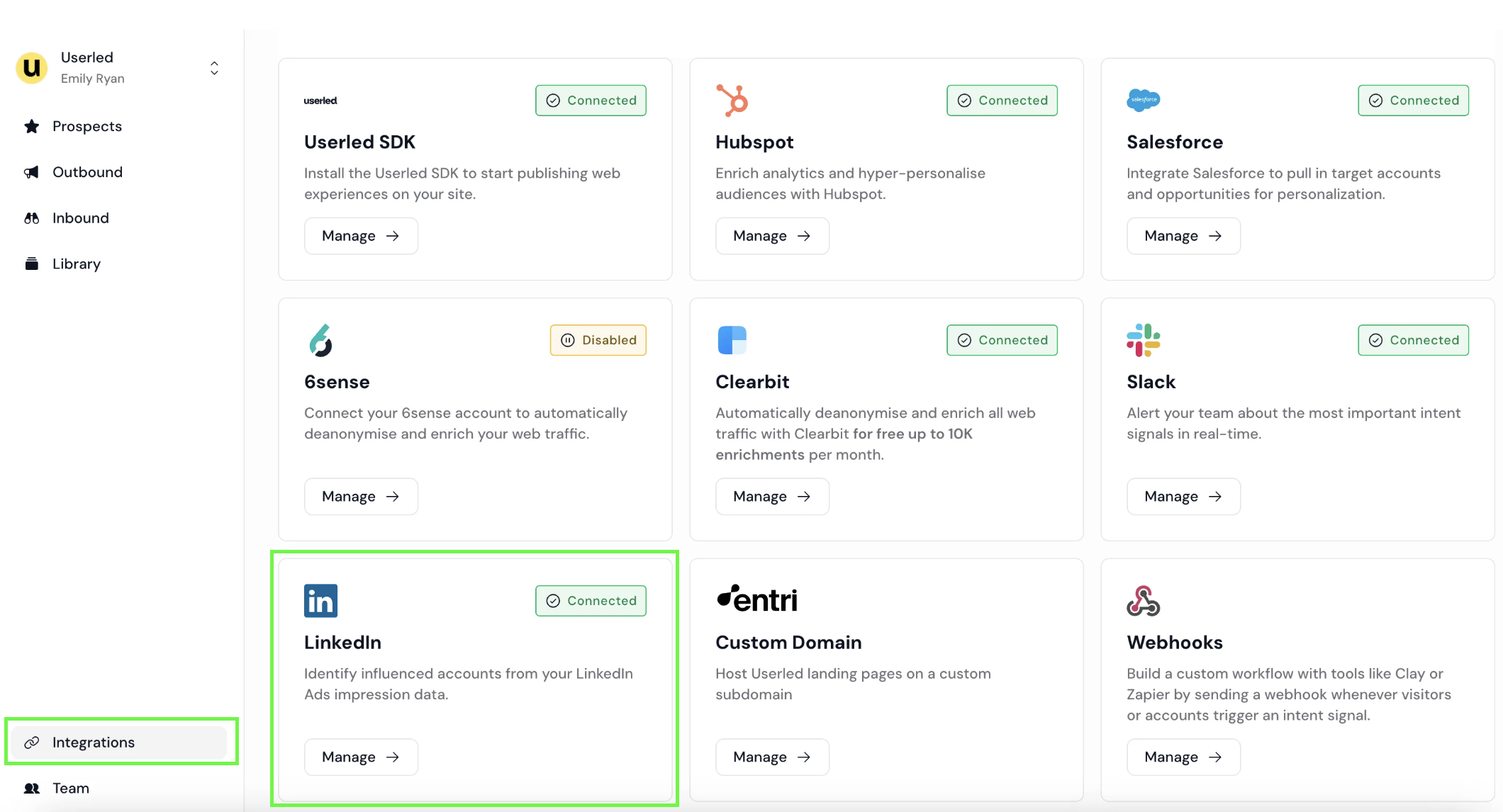
1. Go to Integrations (bottom left) and select Manage for LinkedIn.
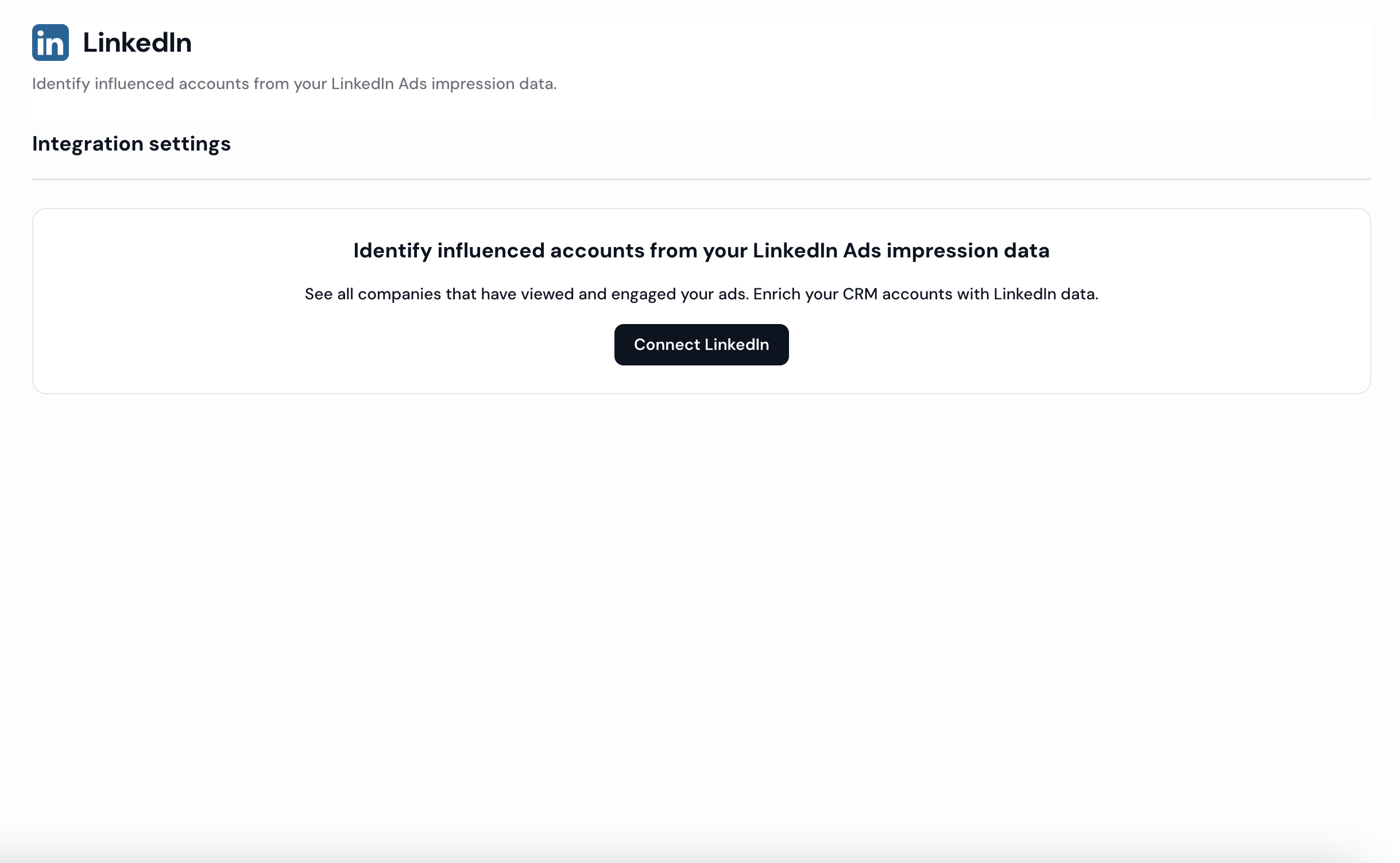
2. Click Connect LinkedIn.
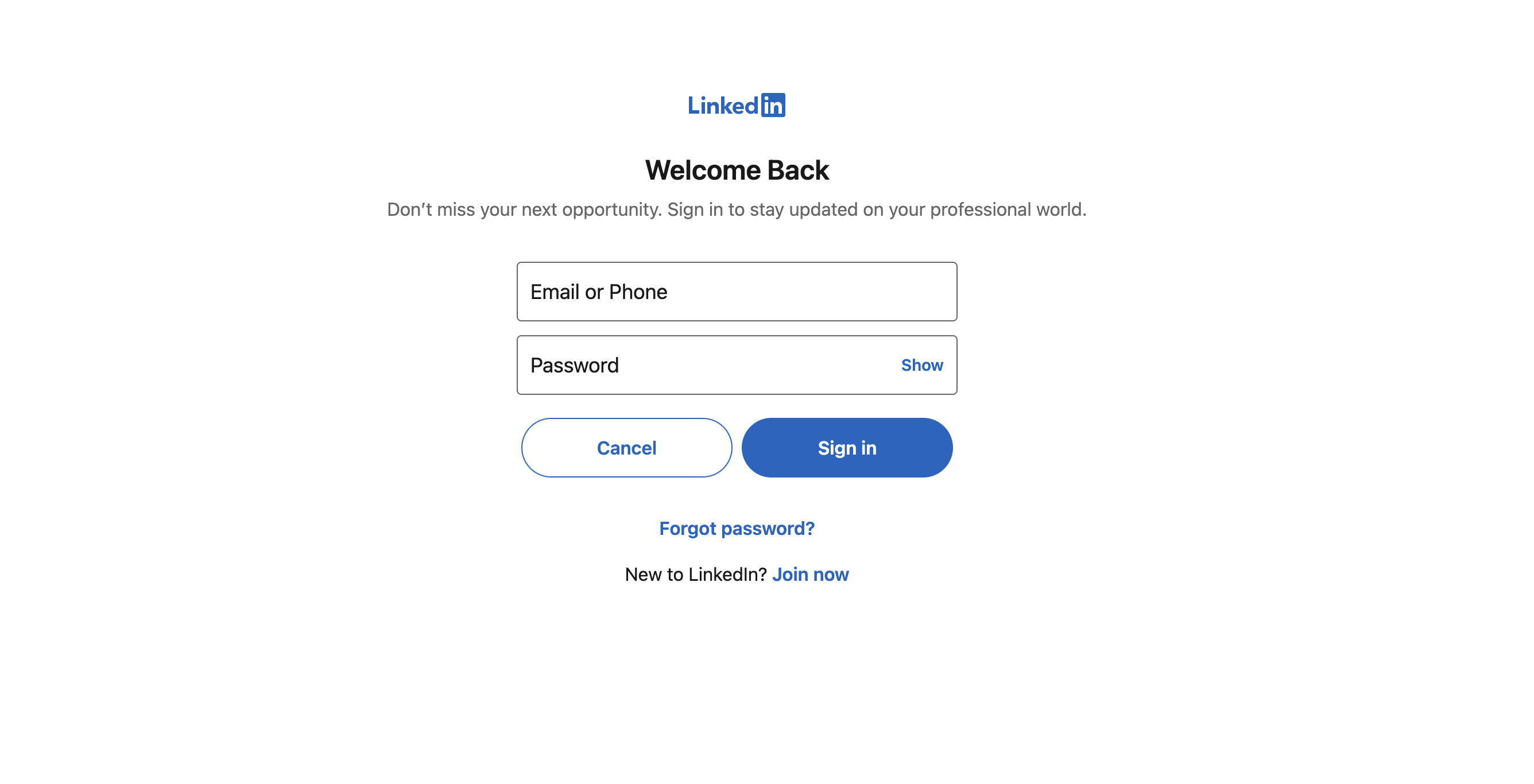
3. Sign in to your LinkedIn account when prompted.
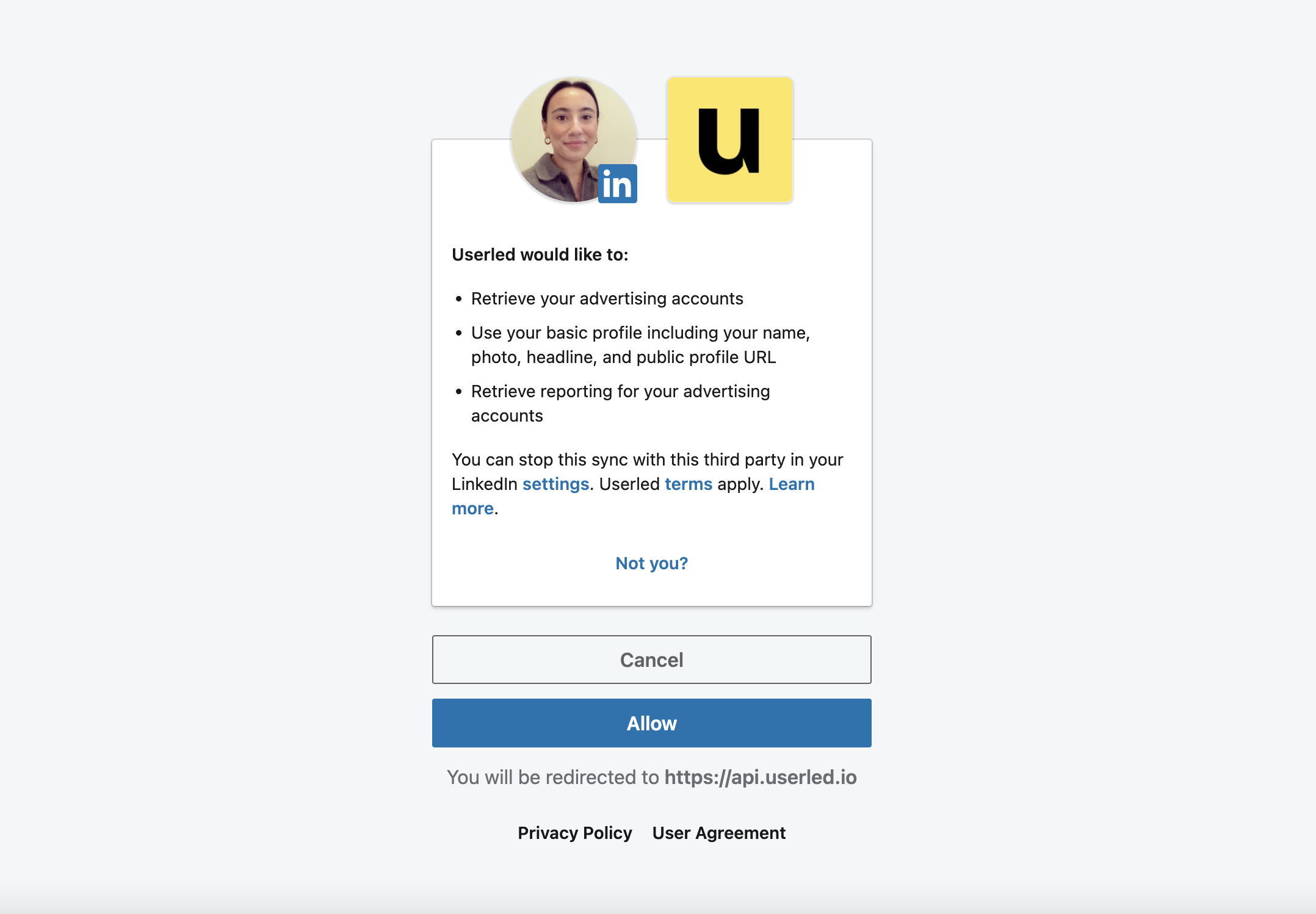
4. Grant the requested permissions.
5. You'll see a Connected status once verification completes.
After connecting, Userled runs health checks so you can spot and fix problems before launching a campaign:
Authenticated user - the integration page shows the first and last name of the person who authenticated, so you know whose access is in use.
Ad account health check - Userled checks every ad account already used by your LinkedIn 1:1 campaigns and flags, per account:
whether the authenticated user is a member of the ad account
whether they have the right permission.
Where there's an issue, use the Manage ad account link to fix the permission directly in LinkedIn.
See the accounts that engaged with your LinkedIn ads in your prospect lists.
View LinkedIn engagement metrics on account overview pages.
Export LinkedIn data to your CRM.
Distribute ads directly from Userled - see LinkedIn 1:1 Ads Distribution