Userled campaigns come in three types, based on how much you personalise your messaging: 1:1, 1:Few, and 1:Many. When you click New Campaign, you’ll choose which one to create.
The tiers differ by the depth and specificity of your value proposition. All three can reach individual contacts.
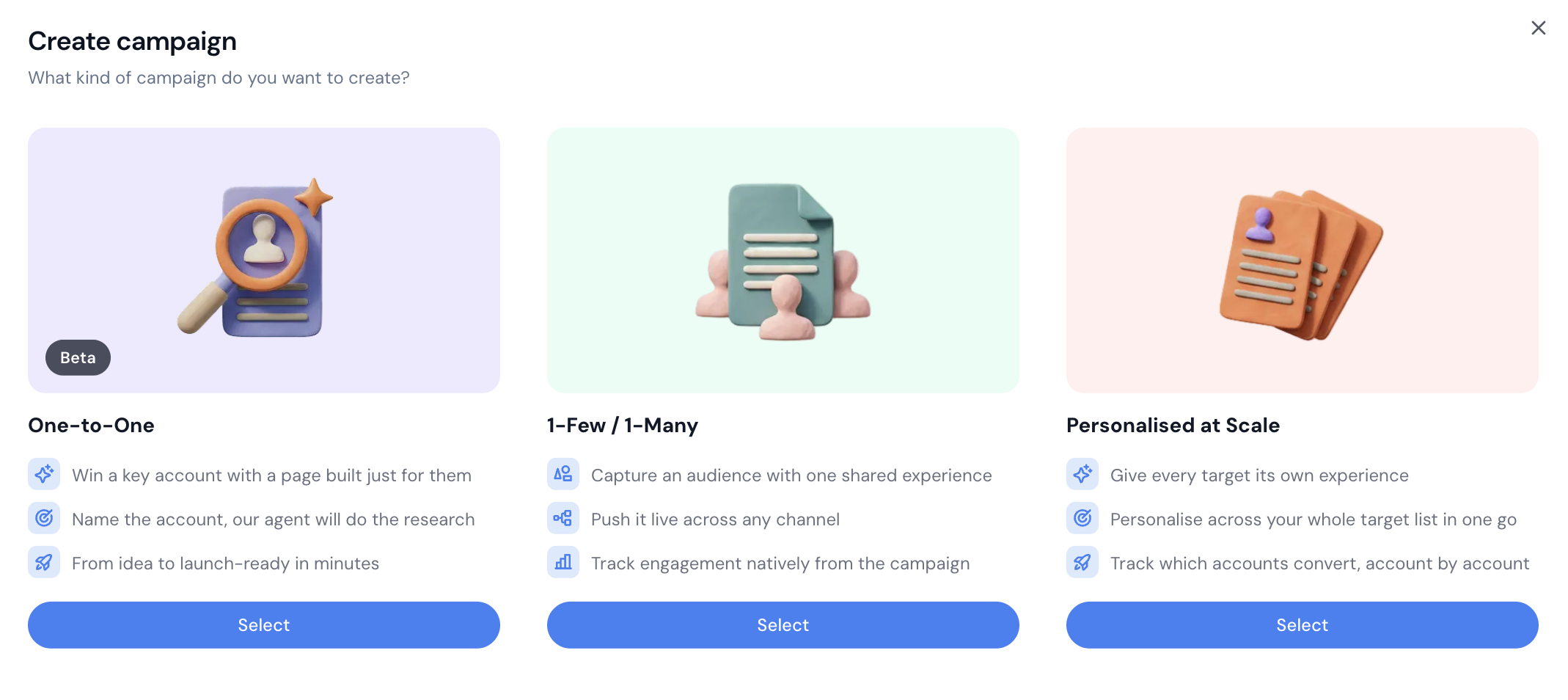
Each target gets its own tailored value proposition, with every asset built around their specific context, pain points, and stakeholders. You can do this for a single high-value account - or run it across a whole list of accounts or contacts, where each one still gets its own uniquely personalised page.
One value proposition or messaging angle, an industry, persona, pain point, or competitor angle, shared across a curated set of named accounts.
One asset shared with a broad set of targets, with no per-account personalisation. What it unlocks:
Migrate your standard LinkedIn campaigns into Userled and see which contacts engage.
Always-on campaigns and list-building for accounts engaging with your standard messaging.
One link tracks everyone - share a single link and still get contact-level tracking behind it, across email platforms too.
An easy entry point for teams new to ABM.


The type is one of a few things you set up front:
Who you’re targeting - accounts or contacts (Userled tracks each of these differently).
Your starting point - pick a playbook/blueprint for what you’re building (for example sales microsites, or a custom build).
Build it yourself, or with AI - create the campaign in the editor, or let the Campaign Agent build it for you. When the Campaign Agent builds a fully personalised page for a single target, that’s a Deep One-to-One campaign (an AI-built 1:1).
If you distribute on LinkedIn, you’ll also pick a LinkedIn ad objective (Brand Awareness, Website Visit, Engagement, or Lead Gen). Those are LinkedIn settings for how the ad is delivered — separate from your Userled campaign type. See LinkedIn 1:1 Ads Distribution.